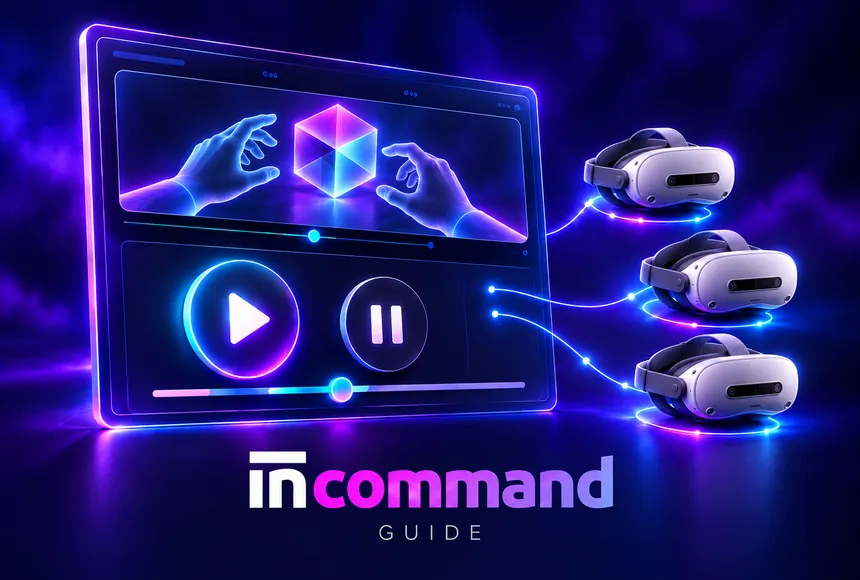
INcommand helps trainers view supported XR sessions and guide compatible experiences from a computer. Stay involved when learners need help getting started or moving to the next part of their training.
Stay Beside the Learner,
Even Outside the Headset.
LiveSight shows the trainer what the learner is seeing. Conductor Mode lets the trainer move compatible content through chapters, scenes, or other training steps. Together, they give the trainer a clearer way to help.
See What Your Learners See.
View a supported headset’s live feed from your computer or tablet, so you can follow the session and help when needed.
How It Fits Your Program
Will it control every training application?
Viewing and control depend on the headset and application. We’ll confirm which features work with your content and what setup is required.
Can we view and guide training without an internet connection?
Yes. A supported headset connected to your computer by USB can use LiveSight viewing and Conductor Mode guidance locally without internet during the session. Available controls depend on your headset and training application.